Complete the first startup
Connect the headset to a power adapter that supports at least 27W; a 45W adapter is recommended. Press the power button, follow the in-headset instructions to complete the initial update, wait for the headset to reboot, and then log into Steam.
First-game checks and setup help
- What should be in the box?
- The package includes the Steam Frame headset, a pair of controllers, an eye relief spacer that is particularly useful for glasses, a wireless adapter, an information booklet, and a USB-C cable.
- What if the controllers do not appear in the headset?
- If the controllers do not appear while the dashboard is open, they may need manual pairing. You can navigate the initial login menus with the Aux button on the headset's right side, just above the power button.
- How do I prepare wireless PC streaming?
- Sign into the same Steam account on the headset and PC, then plug the wireless adapter into the PC. Steam will guide you through device pairing and SteamVR installation.
- Will headset tracking work in a dark room?
- The headset uses infrared illuminators to provide effective tracking even in dark environments.
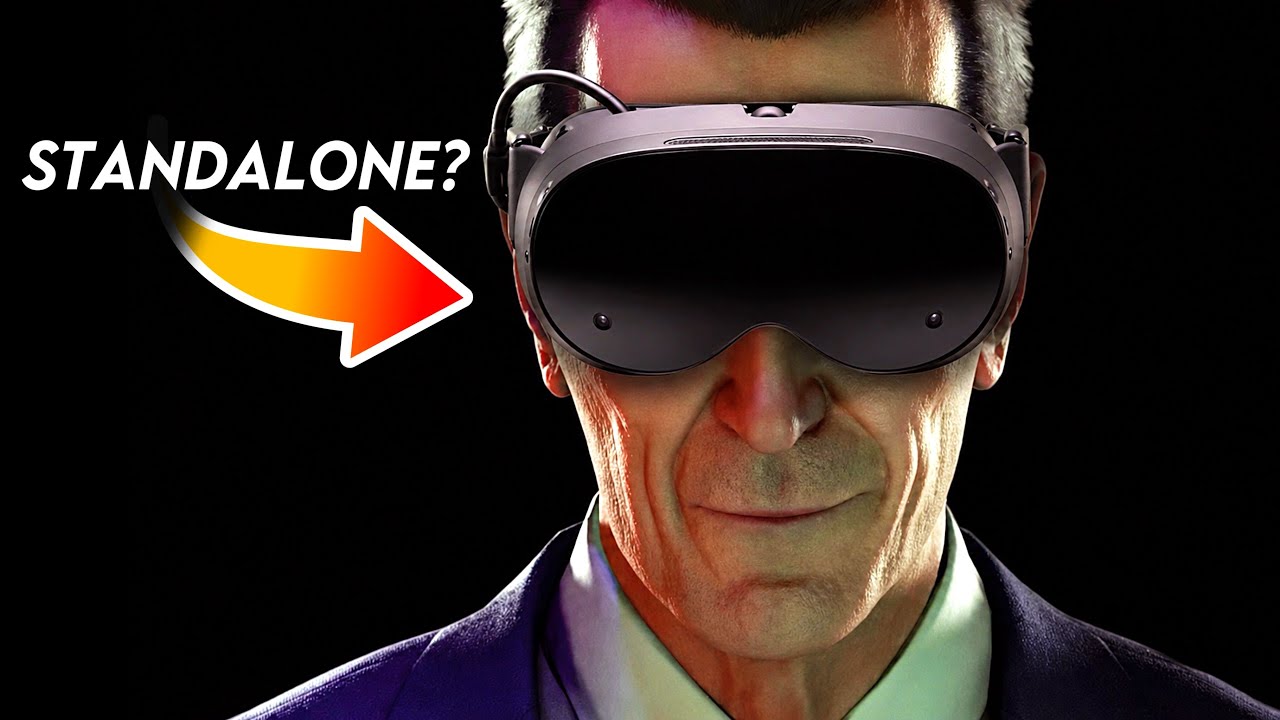
Watch the official overview and quick-start guide to see the included hardware before starting setup.Playing this video connects to YouTube.