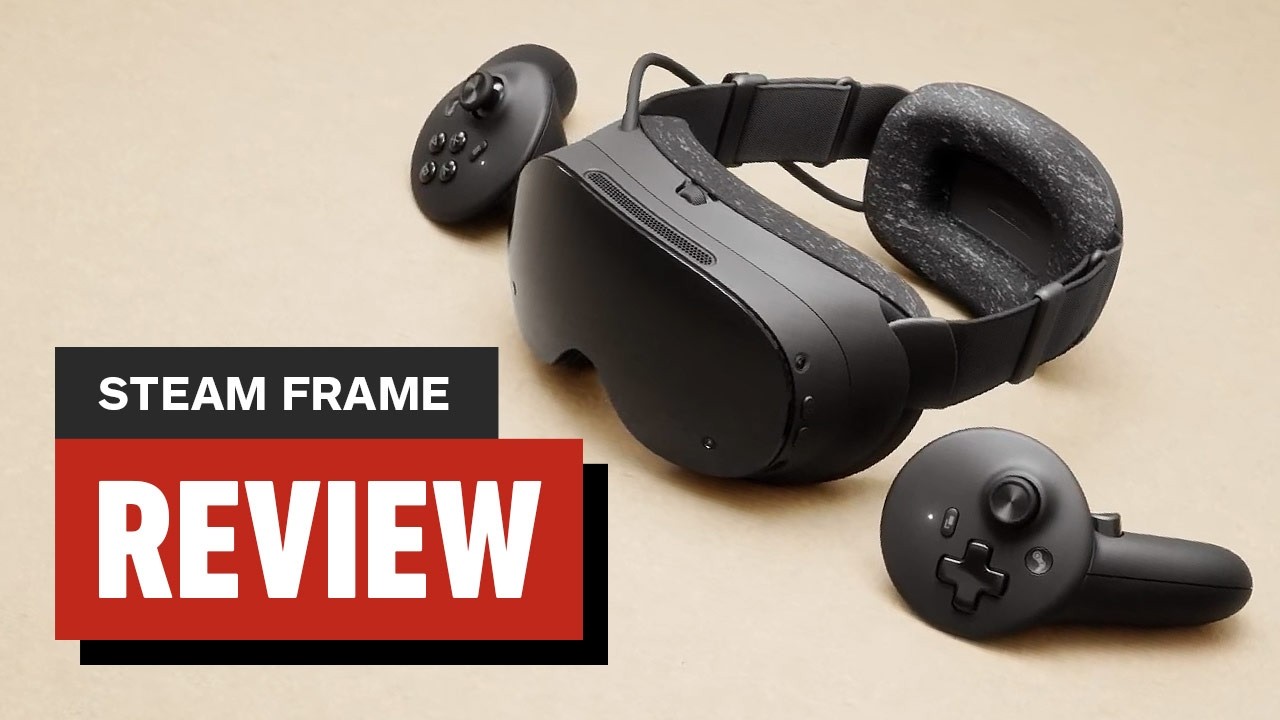
What Steam Frame does
Steam Frame is Valve’s wireless, streaming-first SteamOS virtual reality headset. It is designed primarily for low-latency streaming of your Steam library from a PC while also supporting standalone VR and non-VR experiences.
Its supported execution models include Windows and Linux PC titles as well as native ARM64 and Android-based APKs, with SteamVR and OpenXR compatibility across streamed and on-device applications.
The documented lineup includes a 256GB Kit for $1,059 and a 1TB Kit for $1,299. Both include Steam Frame Controllers, a Wi-Fi 6E wireless adapter for PC streaming, and Half-Life: Alyx; the $29 power supply is sold separately.
Complete the first-time setup
- Connect the headset to a power adapter rated for at least 27W; a 45W adapter is recommended.
- Plug the headset into power before trying to start it because it ships in a special initial mode.
- Press the power button, then follow the instructions shown inside the headset to complete the initial update.
- After the headset finishes updating and reboots, sign in to your Steam account to begin using it.