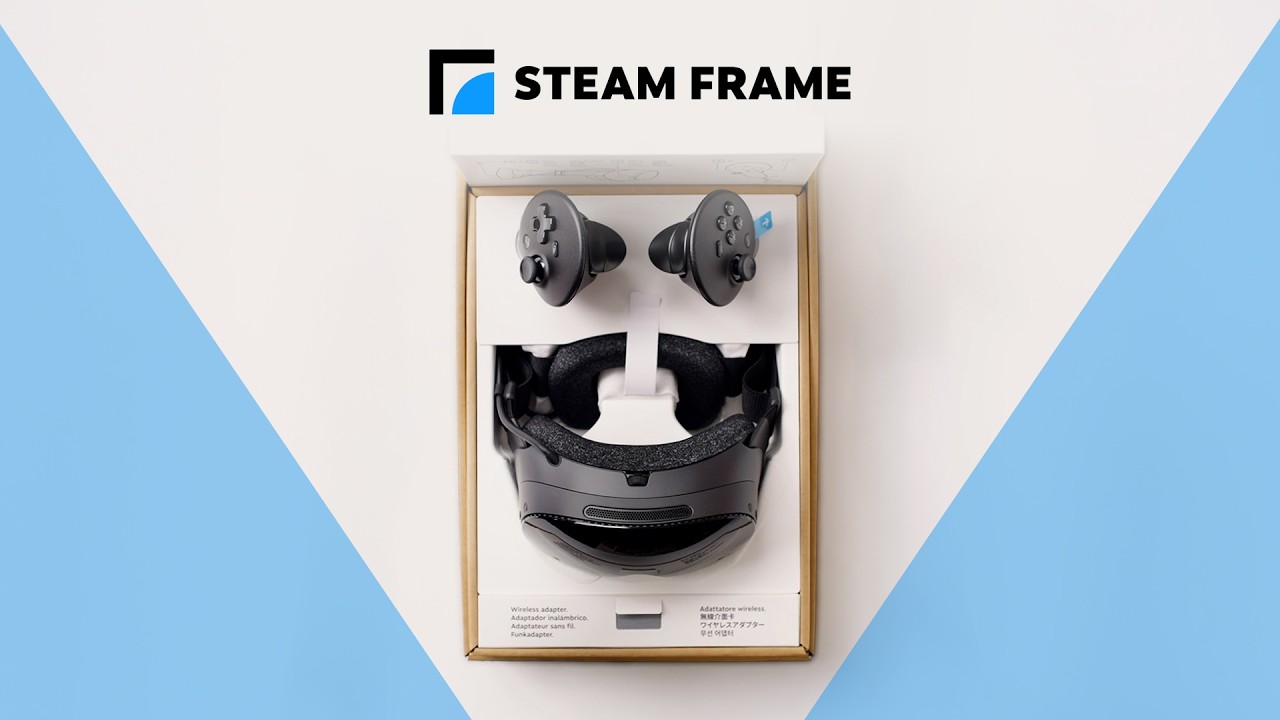
Choose how you want to play
Steam Frame supports standalone play as a full SteamOS PC, with compatible games running entirely on the headset.
Choose the standalone route for a compatible on-headset game, or choose PC streaming for a game delivered from your gaming PC.
Standalone and PC-streaming requirements
| Standalone play | PC-streamed play |
|---|---|
| Run a compatible game entirely on the SteamOS headset as a self-contained system. | Use a Steam Machine or VR-compatible PC as the system that streams the game. |
| Check that the game supports the standalone, on-headset route before choosing this option. | Streamed games are exempt from standalone certification because their performance depends on the PC. |
| The game runs directly on Steam Frame through its standalone SteamOS capability. | Use the included wireless adapter for high-quality streaming from the Steam Machine or VR-compatible PC. |
- Sign in to the same Steam account on both Steam Frame and the PC.
- Plug the included wireless adapter into the PC, then follow Steam's prompts to pair the devices and install SteamVR.
- After setup, VR streaming can use the dedicated adapter link, the local Wi-Fi network, or both connections together.
- Watch the official quick-start video for the wireless streaming setup.